Understand signs faster
Turn the restrictions visible in a parking sign photo into a clear summary of whether you can park, how long you can stay, and whether payment is required.

AI parking sign scanner for iPhone. Scan a sign. Know the rules. Start a timer.
It's Free, No Subscriptions
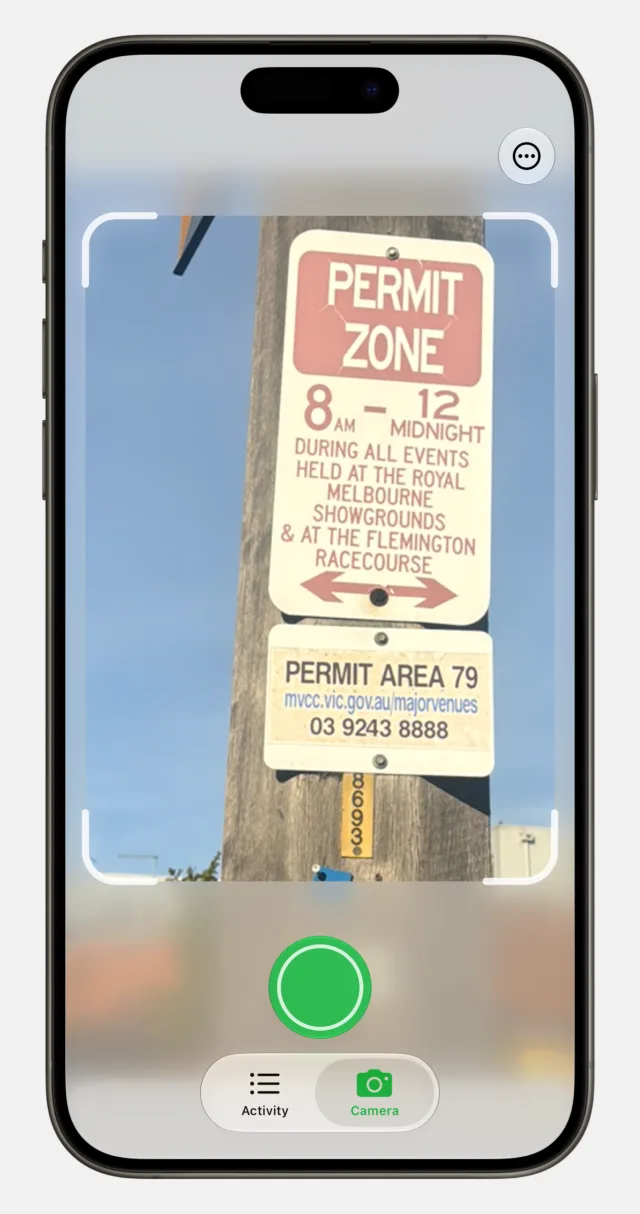
Point your camera at any parking sign.
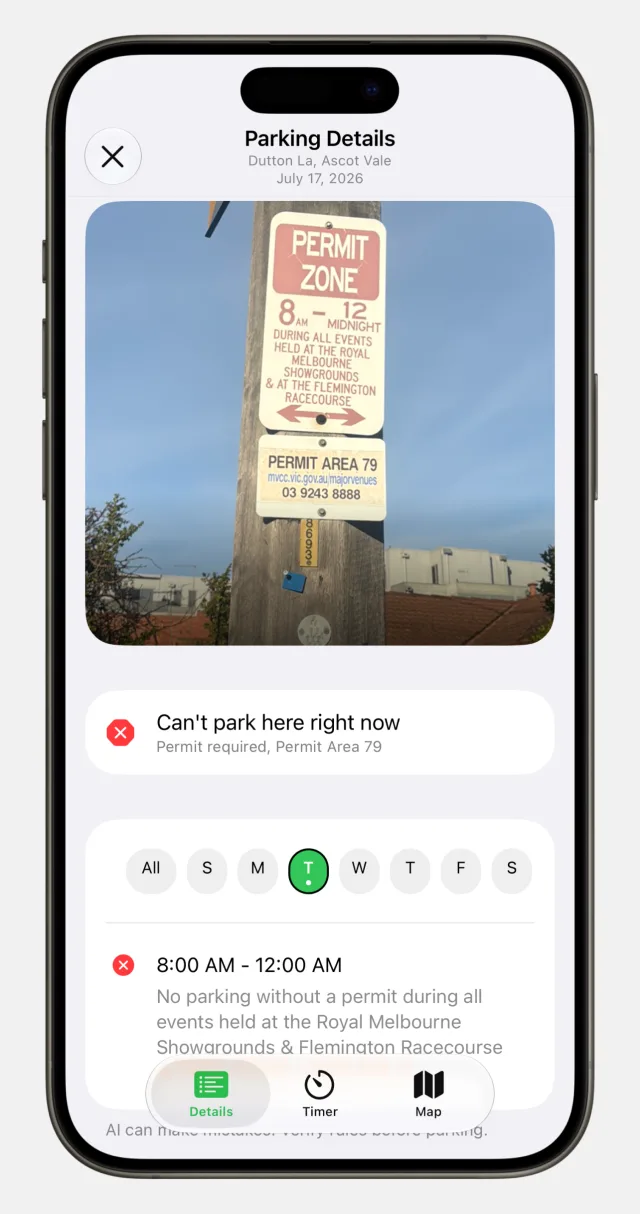
Instantly see if you can park, and for how long.
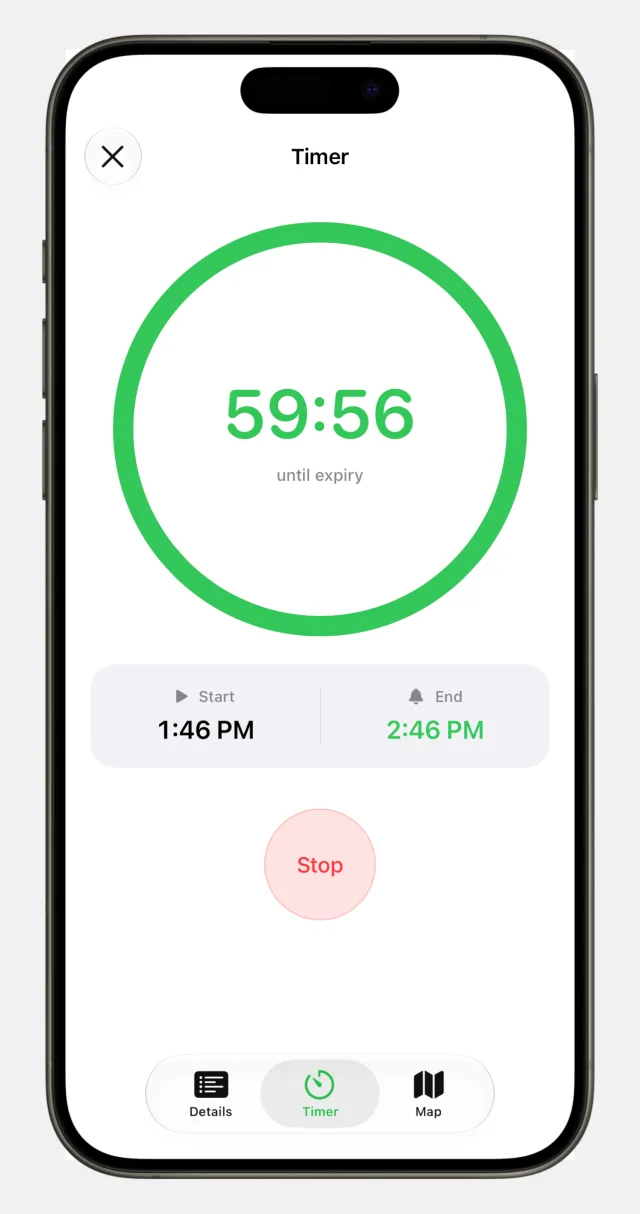
Start a timer so you never overstay.
A smarter parking companion
Park Here is a free parking sign scanner and timer for commuters, city drivers, travellers, and anyone facing an unfamiliar or complicated parking sign.
Turn the restrictions visible in a parking sign photo into a clear summary of whether you can park, how long you can stay, and whether payment is required.
Start a parking countdown and see it on your Lock Screen and Dynamic Island, with a reminder before your parking time runs out.
Get help with unfamiliar parking rules while commuting, running errands, exploring a city, or travelling.
Park Here is free to download, has no subscriptions, and is available for iPhone and iPad.
Use localized dates and parking information in English, German, Spanish, French, Swedish, Simplified Chinese, Brazilian Portuguese, and Japanese.
Park Here provides AI-based guidance, not legal permission to park. Always check the sign, curb, meter, temporary notices, and local regulations before leaving your vehicle.
Snap a photo of the sign and Park Here uses AI to read it, then lays out the parking rules for you - when you can park, for how long, and any exceptions.
Park Here is designed for daily commuters, city drivers, travellers, and anyone who wants quick help understanding an unfamiliar or complicated parking sign.
Park Here can summarize restrictions visible on a sign, including whether parking is allowed, how long you can stay, whether payment is required, and any visible exceptions.
A basic timer only counts down. Park Here first uses AI to summarize the parking sign, then lets you start a timer for the time limit it identifies.
Park Here is free to download on the App Store. You can start scanning parking signs right away.
Park Here is available for iPhone and iPad. You can download it from the App Store.
Yes. Park Here works with Apple's built-in accessibility features, including VoiceOver, Voice Control, Larger Text, Dark Mode, Reduced Motion, and Differentiate Without Color. See our accessibility page for details.
Park Here supports English (US, UK, Canada, and Australia), German, Spanish (Latin America), French, French (Canada), Swedish, Simplified Chinese, Portuguese (Brazil), and Japanese. The app uses your selected language for dates, translated parking information, and future AI results.
After Park Here reads a sign, you can start a timer for your parking limit with one tap. The countdown stays live on your Lock Screen and Dynamic Island, and reminds you before your time runs out.
The camera is used to scan parking signs, and your location helps place and verify signs accurately. You're always in control of these permissions in Settings.
Park Here provides recommendations based on AI analysis of parking signs. While we strive for accuracy, we can't guarantee the information is always correct, complete, or up to date. Please verify parking regulations independently before parking.
No. Park Here is a helpful interpretation tool, not legal permission to park. Always check the original sign, curb markings, meters, temporary notices, and applicable local regulations before leaving your vehicle.
We'd love to hear from you. Email us any time at support@tryparkhere.com.